

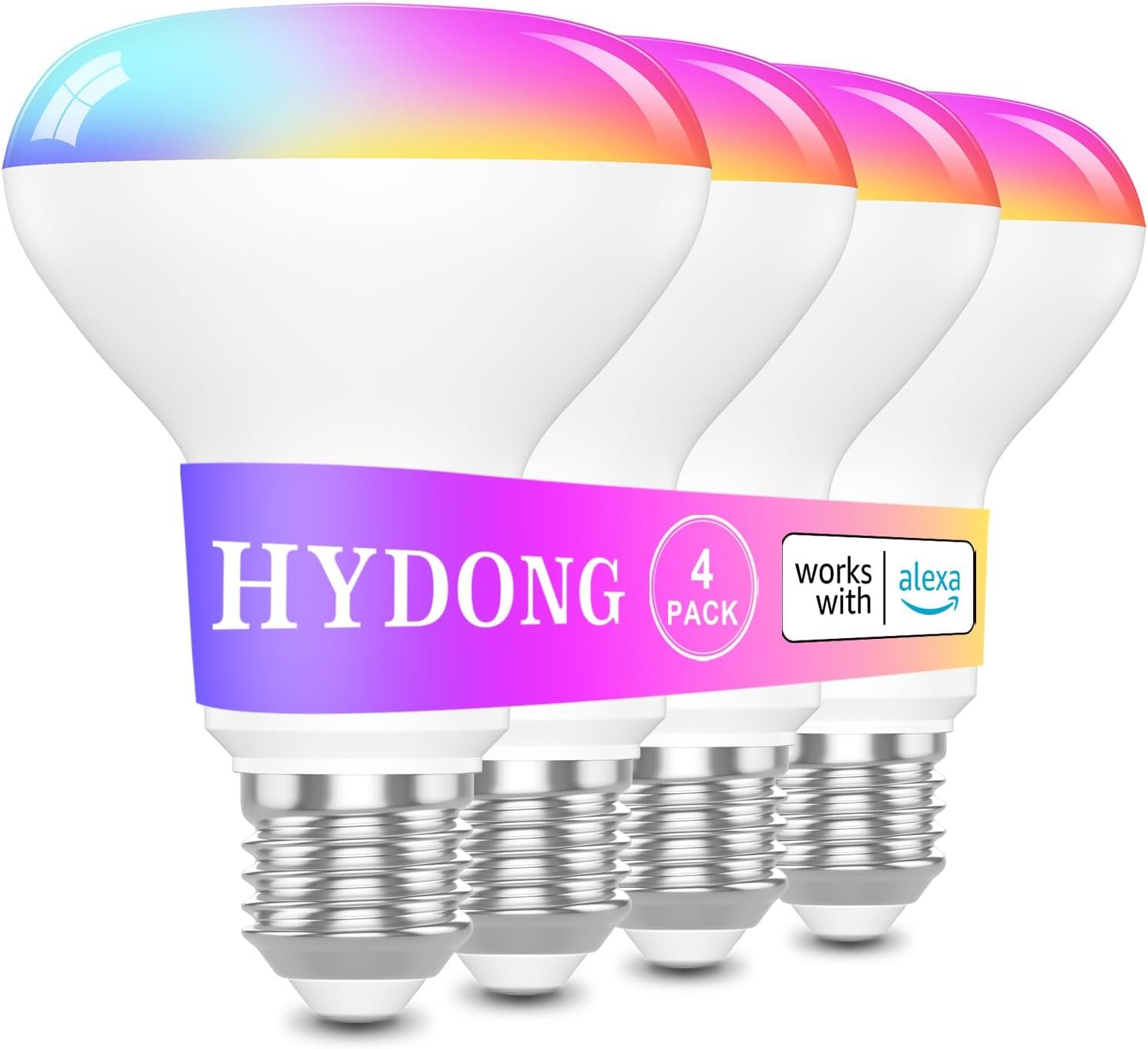







LED Light Bulb
$30.39
Price: $30.39
(as of Dec 18, 2025 04:45:05 UTC – Details)
Product description


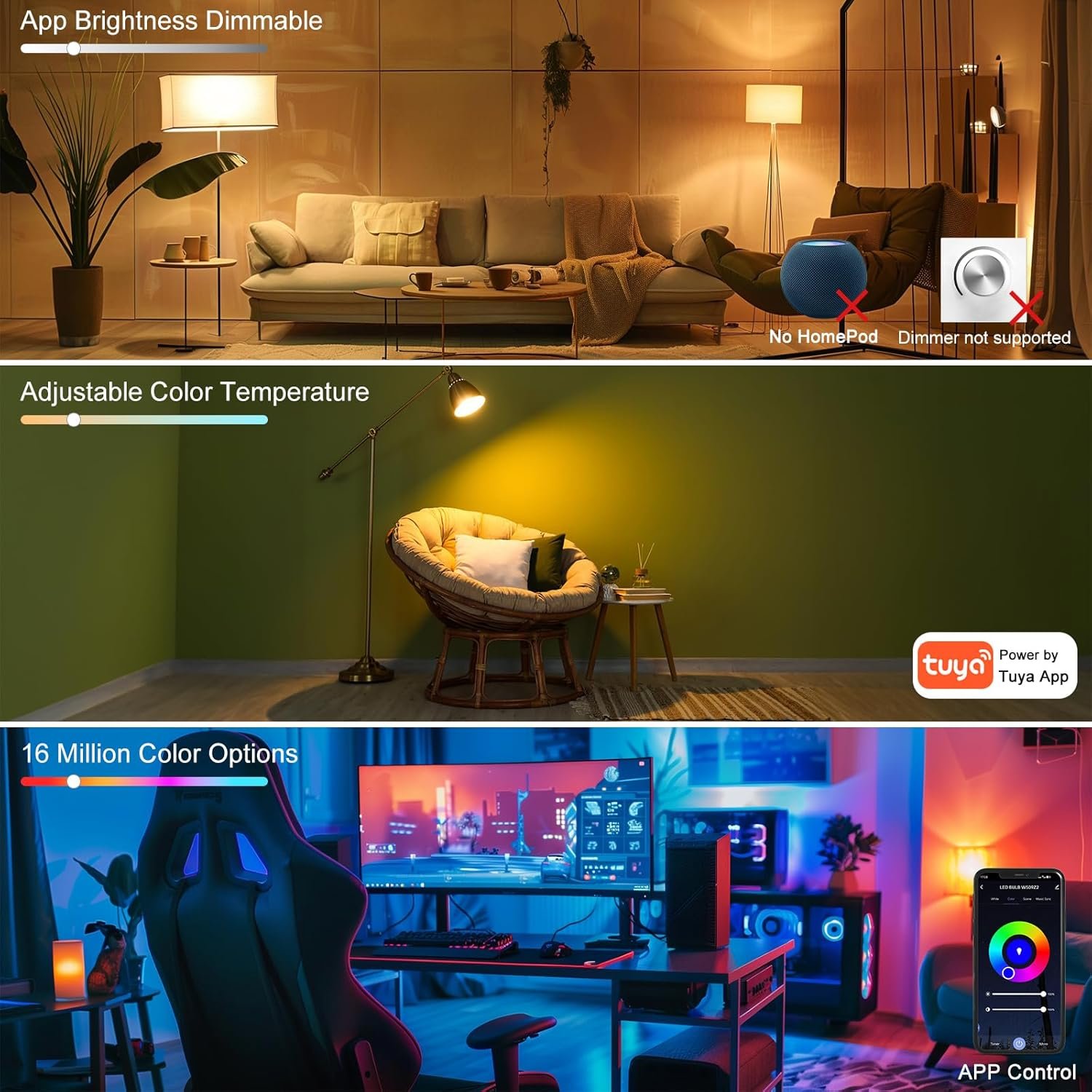
1 RGB Color Mode
2 Not Suit Any Dimmers


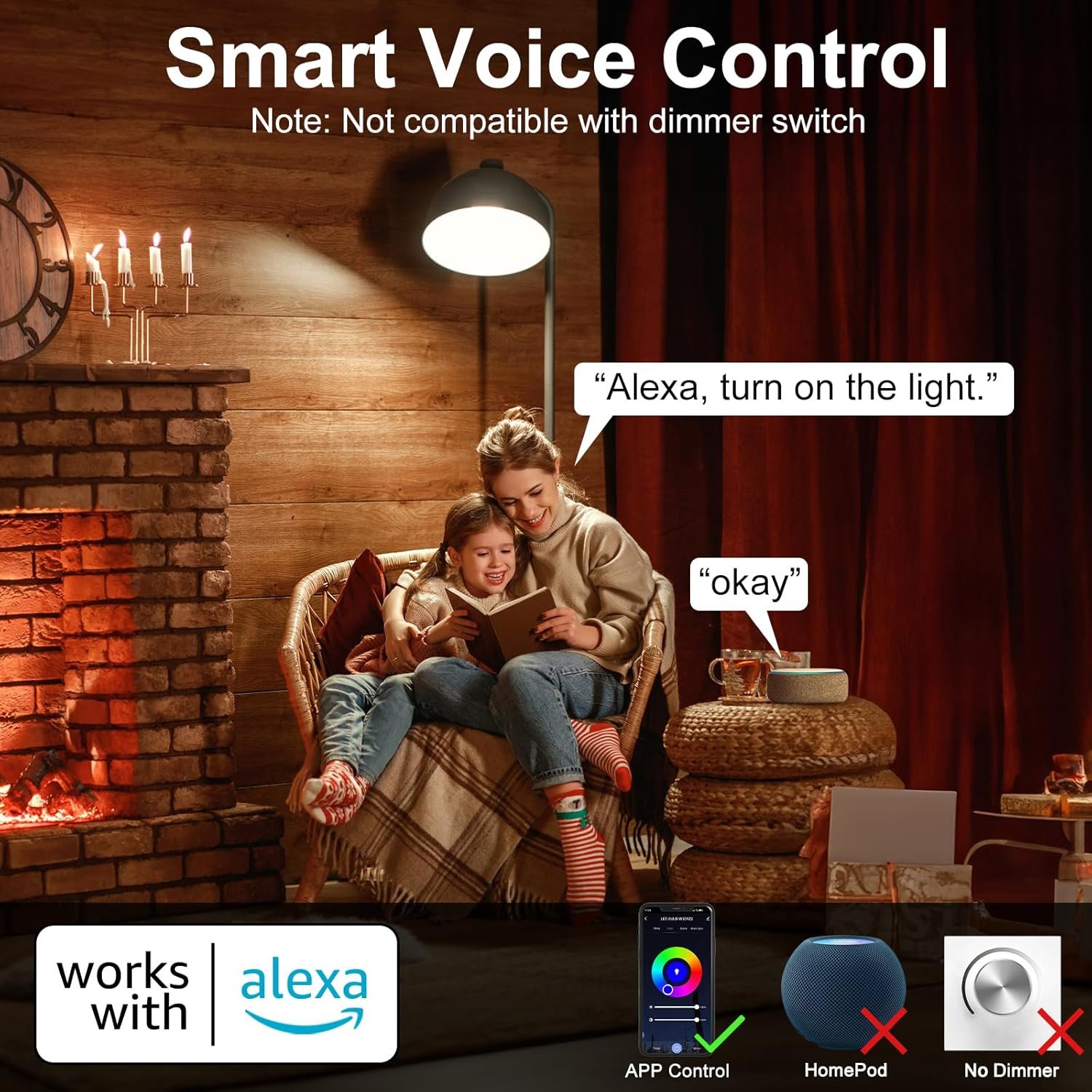
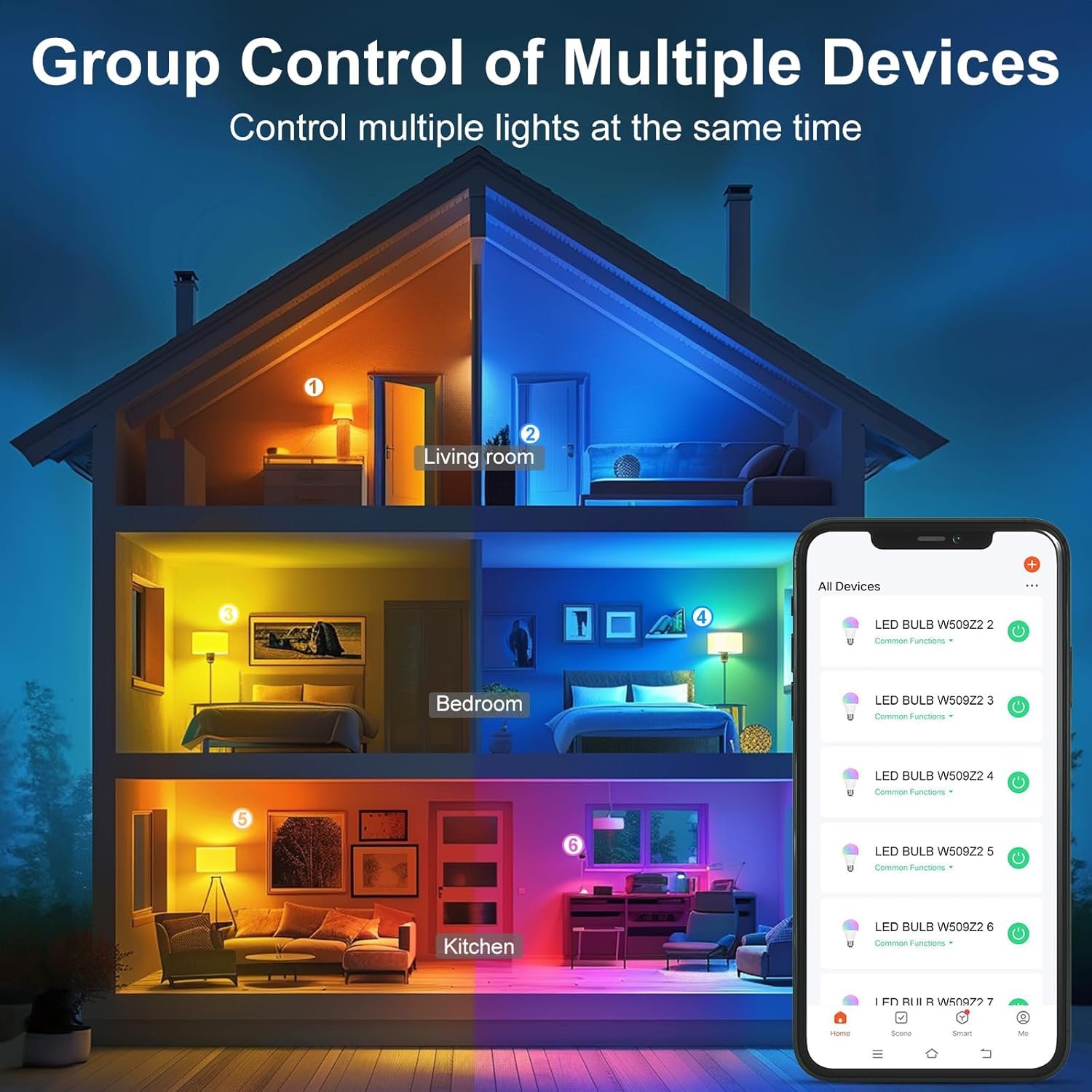
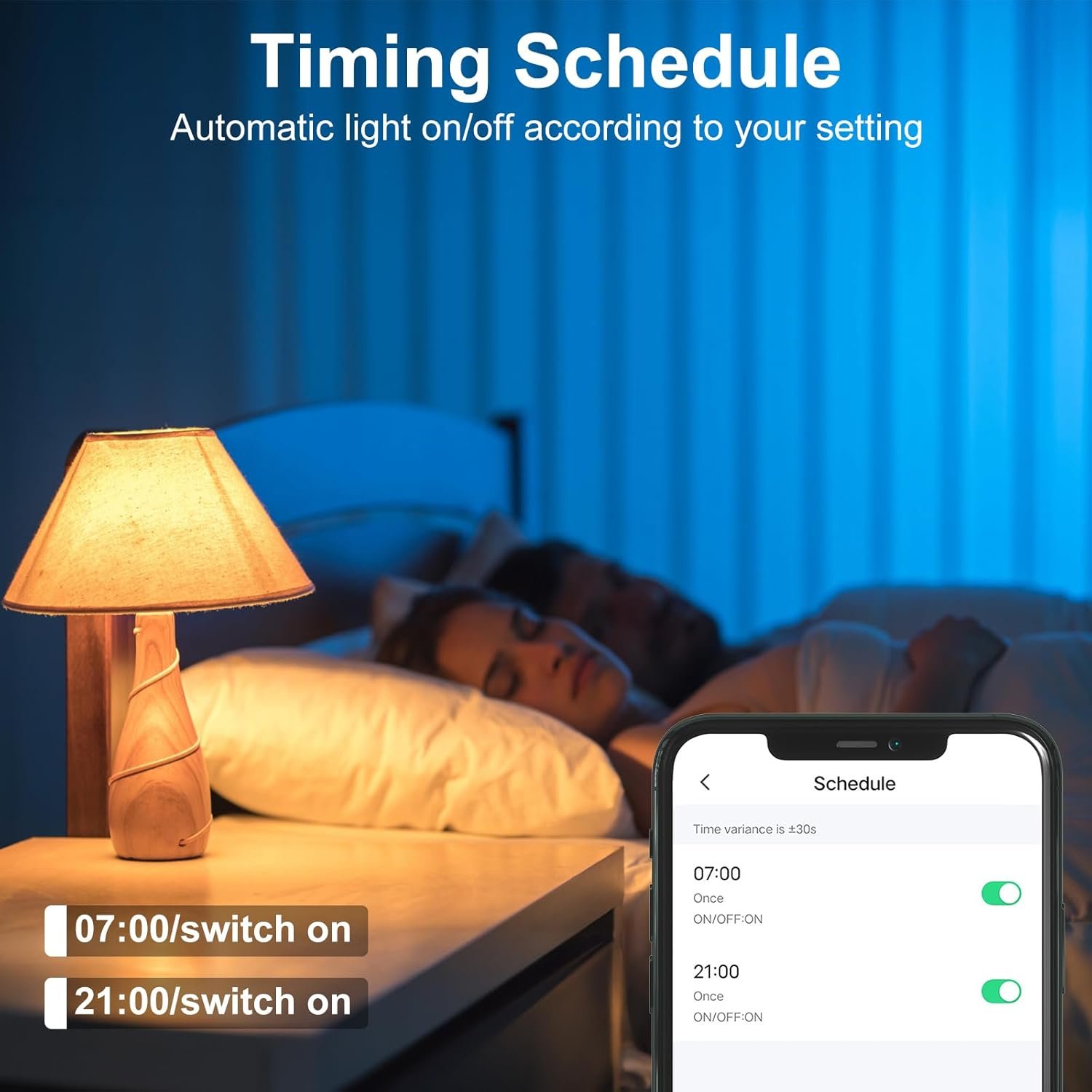
1 Works with Alexa 2 Group Control 3 Time Schedule 4 Alexa Voice Shortcut


1 Living Room 2 Bedroom 3 Movies & Gaming Room
How to connect WlFl Light bulb
1. Search for the “Tuya” app in the app store and download it.
2. Turn on the light bulb and connect your phone to your Wi-Fi (2.4 GHz).
3. Connect your light bulb to the same Wi-Fi.
4. Wait for the light bulb to pair with your phone app.
The video showcases the product in use.The video guides you through product setup.The video compares multiple products.The video shows the product being unpacked. How to connect the light bulb Merchant Video
How to Control Bulb Using App
1. White light interface: Adjust the color temperature and brightness (1-100%) of the light.
2. Color light interface: Set the color, brightness, and saturation of the light.
3. Scene mode interface: Select from multiple pre-set scenes.
4. Music mode interface: The app will change the rhythm of the light according to the rhythm of the sound.
The video showcases the product in use.The video guides you through product setup.The video compares multiple products.The video shows the product being unpacked. How to Control Bulb Using App Merchant Video
How to Link the Alexa App
1. Ensure your phone’s Wi-Fi and Bluetooth are enabled and install the Alexa app.
2. Open the Tuya app and link your lights to the Alexa app.
3. Go to the Devices page in the Alexa app and add a device.
4. Rename the lights (for easier voice control), e.g., bedroom one, two, three; living room one, two, three…
The video showcases the product in use.The video guides you through product setup.The video compares multiple products.The video shows the product being unpacked. How to Link to the Alexa App Merchant Video
How to reset &reconnect bulb
1. Turn the light bulb on and off five times.
2. Wait for the light to return to the flashing red light status, indicating it is ready to connect.
3. Open the Tuya app and add the device again.
The video showcases the product in use.The video guides you through product setup.The video compares multiple products.The video shows the product being unpacked. How to reset & reconnect the light bulb Merchant Video
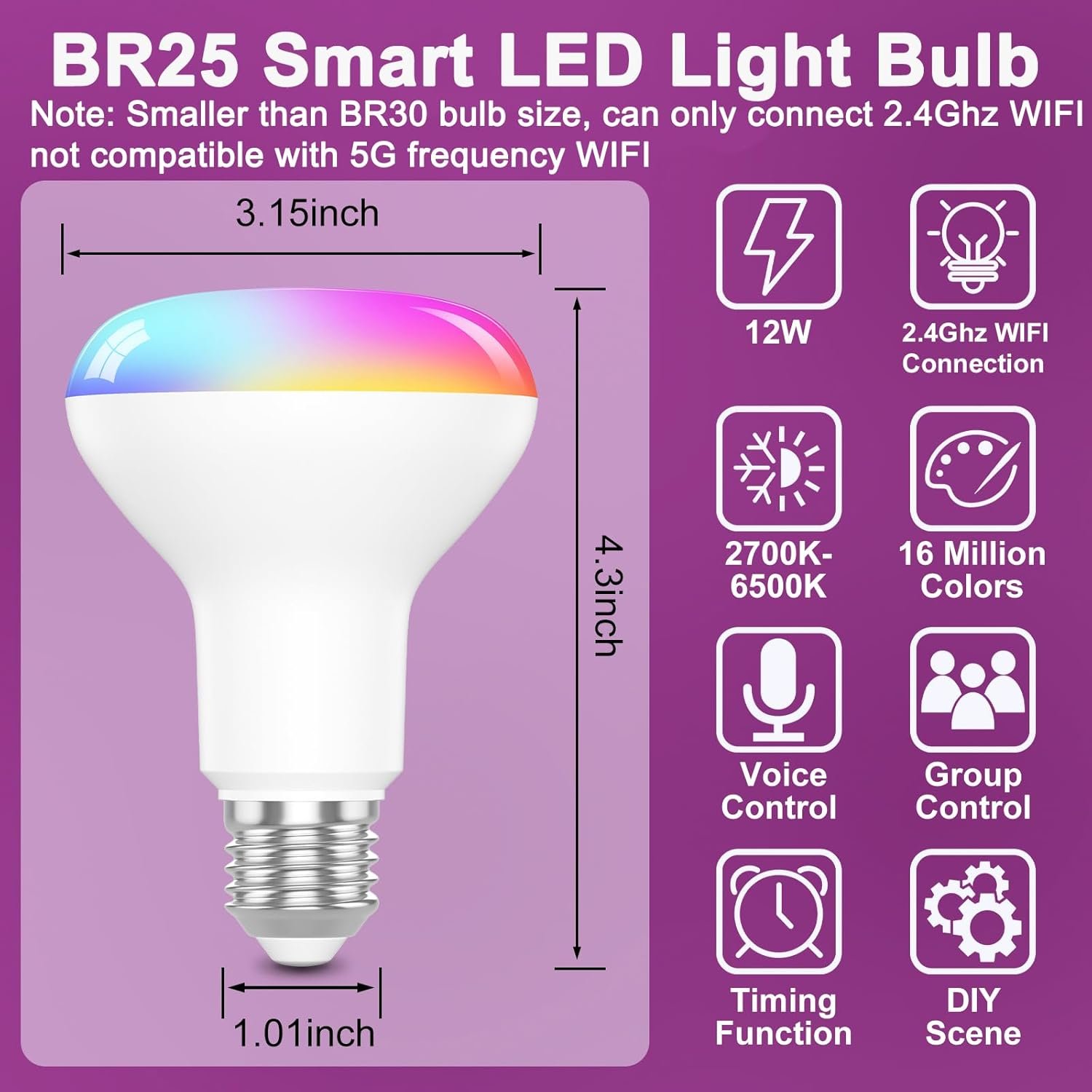
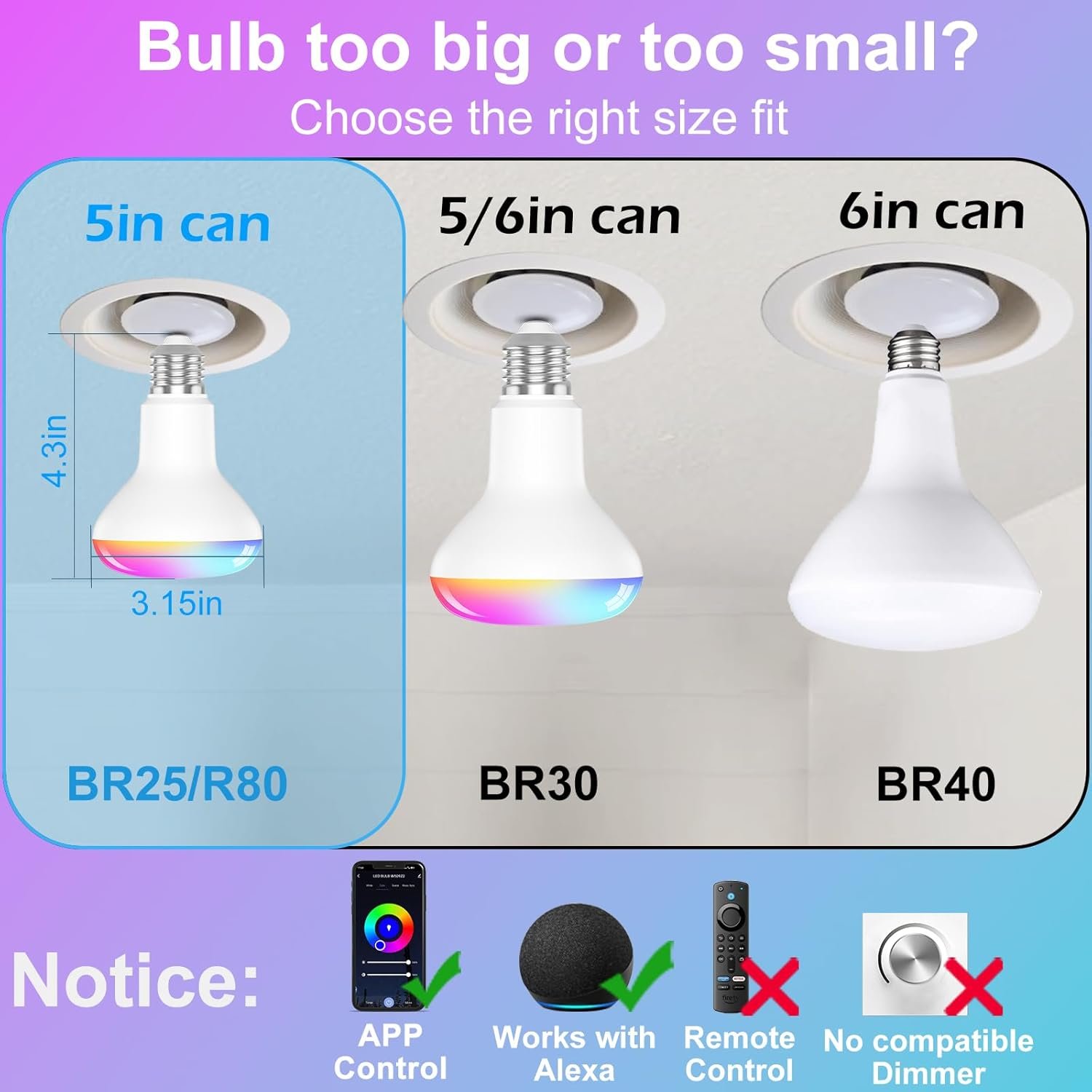
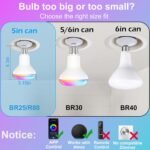
Suitable for 5inch can BR25 WIFI light bulb
Light Diameter: 3.74 inch Bulb length: 5.04 inch
Light Base: E26 base
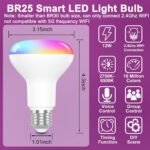
Connection:2.4Ghz WFl(5Ghz WlFl not supported)
Dimming: Don’t support any dimmers
 Alexa Voice Control Shortcuts
Note:
1. To use this feature, you must first link the Tuya app to the Alexa app.
2. Only 2.4GHz Wi-Fi is supported; 5GHz Wi-Fi is not supported.
3. If connection fails or issues arise, ask us for help.

Connection method 2.4Ghz WIFI (5Ghz WIFI not supported) Brightness 1-100% adjustable (APP control) Light source LED Dimming Does not support dimming Bulb Base E26 Light Color Multicolor Indoor Outdoor Usage Indoor Power Source Corded Electric Notice Does not support any dimmer, only support mobile APP dimming
Package Dimensions : 5.59 x 5.39 x 4.8 inches; 10.23 ounces
Date First Available : August 12, 2024
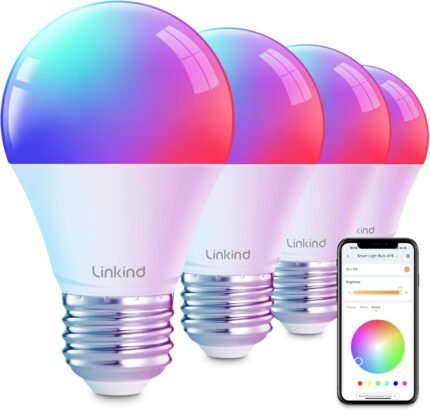
【High Brightness Smart Lighting】HYDONG WIFI Smart Bulb has a high brightness , and its high color gamut performance of CRI>90 ensures true color reproduction, allowing you to enjoy a richer visual experience. With 16 million colors and 25 scene modes to choose from, it makes your space more vibrant. At the same time, it saves more on energy costs
【Works with Alexa and tuya APP】This WIFI smart bulb, which supports both Alexa speaker and APP control, is easy to operate, you can control the various functions of the bulb just by connecting via WIFI. The bulb can be controlled by simple voice commands; tuya APP provides many features that are popular with consumers but not available with Alexa, such as music synchronization, scenes, etc. (Note: only available with Alexa and tuya APP)
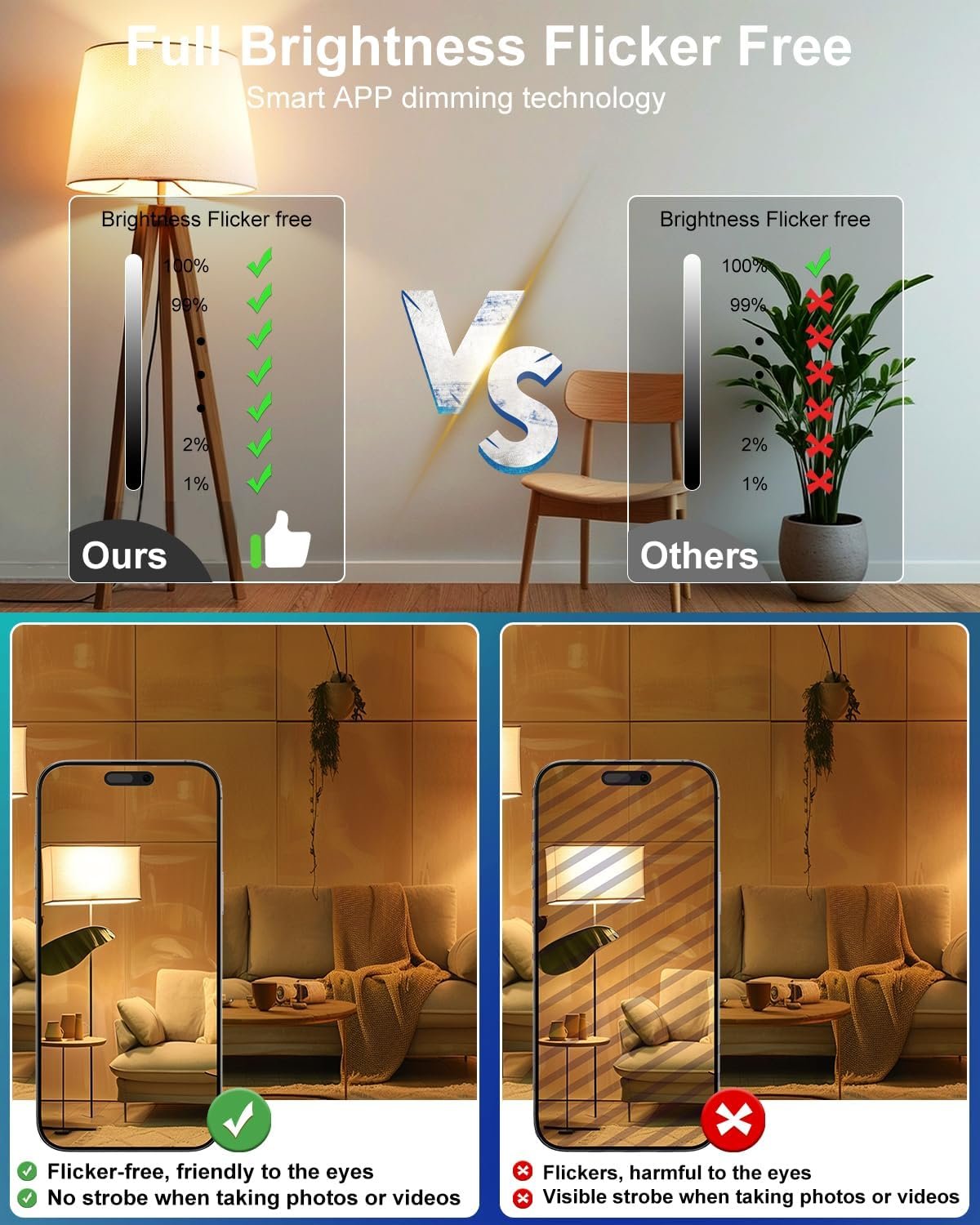
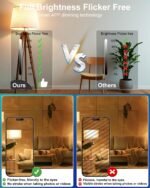
【Eye Protection No Strobe Technology】Advanced no strobe technology, dimming range of 1-100%, to ensure that long time use does not hurt your eyes, especially suitable for photography enthusiasts shooting in low-light environments. (Dimming can only be controlled by APP or voice, not compatible with external dimmer switch)
【Multi Bulb Group Control】Bedroom smart WIFI light bulbs are equipped with group control function. You can create a group to control multiple smart bulbs at the same time with a single voice command or via tuya APP
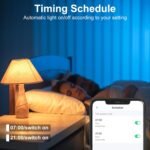
【Timing & Schedule Function】You can easily set the on/off time of the lights through Tuya APP, whether it is to wake up your new day in the morning or to accompany you gently to sleep at night, you can control it precisely. In addition, the timer function also supports schedule setting, so you can arrange the automatic turning on and off of the lights in advance according to your own work and rest habits. This not only saves you money, but also simulates that someone is at home when you are away from home, which improves your home security
【Music Synchronization and Atmosphere Creation】Lighting can change with the rhythm of music, linked with tuyaAPP to create a unique music atmosphere. Enjoy the nice fusion of music and lights during parties or leisure time, making life more colorful. Note: Make sure the microphone is enabled and not occupied with permissions before use







Reviews
There are no reviews yet.